
The 60% Problem: Why Your Home Lacks a Common Wire
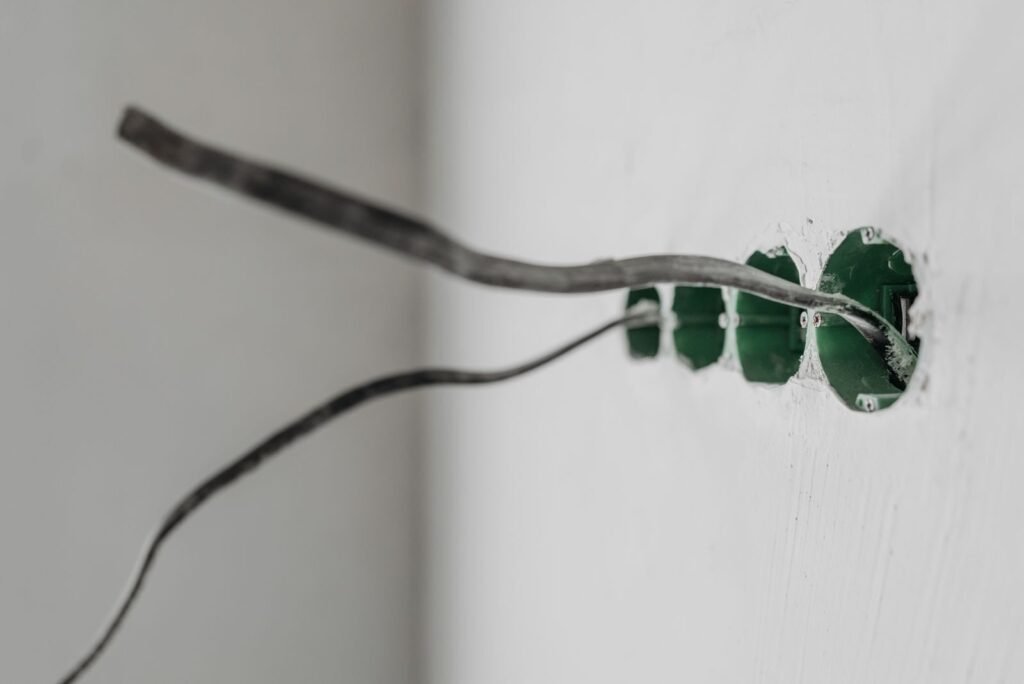
Smart thermostat installation fails more often than it should — not because of bad hardware, but because of wiring that was never designed for it.
Roughly 60% of U.S. homes were built without a C-wire, according to Nest’s Pro Installation Guide. That missing wire is why millions of homeowners hit a wall the moment they unbox a Wi-Fi-enabled thermostat.
The legacy wiring standard in older American homes typically runs four wires to the thermostat: R (24V power), W (heat), G (fan), and Y (cooling). That setup worked perfectly for decades — because analog thermostats barely consumed any electricity. They didn’t need a reliable power source. They needed just enough current to flip a relay.
Smart thermostats changed the equation entirely. Devices like Nest and Ecobee run Wi-Fi radios, full-color touchscreens, and cloud-connected sensors around the clock. That kind of continuous draw demands a stable, dedicated return path for 24V power — which is exactly what the C-wire, or “Common” wire, provides. Without it, the thermostat attempts to “steal” power through active wires, which in practice causes furnace short-cycling, clicking relays, and erratic system behavior.
That’s the real problem a C-wire adapter for thermostat installs is designed to solve — and understanding how it actually works starts with what’s happening inside that small module at your furnace control board.
What Does a Thermostat C-Wire Adapter Actually Do?
A C-wire adapter for smart thermostat installations is a digital signal splitter — not a Wi-Fi extender, not a workaround, but a legitimate power delivery solution engineered for exactly this problem.
The core insight: the adapter doesn’t add a new wire — it teaches an existing wire to carry two signals at once.
According to Ecobee Support, the adapter accomplishes this by digitally multiplexing the signal on a wire already running between your thermostat and furnace — typically the G wire (fan control) or the Y wire (cooling). Here’s the signal-split logic in plain terms:
Two signals, one wire: The adapter encodes the control signal and the power signal onto the same conductor, separating them at the furnace end.
A diode/transformer module at the furnace control board receives the combined signal and strips it back apart — routing constant 24V power to the thermostat while still passing the original control command to the correct terminal.
Your HVAC system never notices the difference — the fan still triggers, the cooling still kicks on, and your thermostat finally gets the steady power it needs.
On the other hand, it’s worth being clear about what the adapter cannot do. It won’t strengthen your home’s Wi-Fi signal or resolve connectivity drops between your thermostat and app. Its job is strictly electrical — bridging the gap between older wiring and the power demands of modern smart thermostats.
Of course, not every adapter works with every system, and each major thermostat brand approaches this solution slightly differently — which is exactly what the next section breaks down.
Compatibility Check: Nest, Amazon, and Ecobee Requirements
Not every smart thermostat handles a missing C-wire the same way — and buying the wrong adapter for your brand can send you back to square one.
The universal rule: all major smart thermostats require a 24V HVAC system, which is the industry-standard voltage for residential heating and cooling. As Honeywell Home confirms, most C-wire adapters are designed for exactly this standard — but they do require access to your HVAC system’s internal control board, not just the thermostat wall plate. That distinction matters more than most installation guides let on.
Amazon Smart Thermostat needs a C-wire adapter for Amazon smart thermostat setups that pairs with its included installation kit. Amazon bundles a compatible adapter in select packages, but the key requirement is a two-wire (Rh and W) minimum system configuration. Without it, the adapter has nothing to split the signal from.
Ecobee takes a different approach with its proprietary Power Extender Kit (PEK), which installs directly at the furnace control board and repurposes an existing wire. Universal adapters can work with Ecobee, but the PEK is purpose-built and generally more reliable for its hardware.
Nest uses its own Power Connector accessory for systems lacking a C-terminal entirely. It functions similarly to universal adapters but is optimized for Nest’s power management logic, reducing the risk of the system short-cycling.
Understanding these brand differences sets the stage for the next critical step — locating and working safely with your HVAC control board, where the real installation happens.
The Installation Reality: Beyond the Thermostat Wall
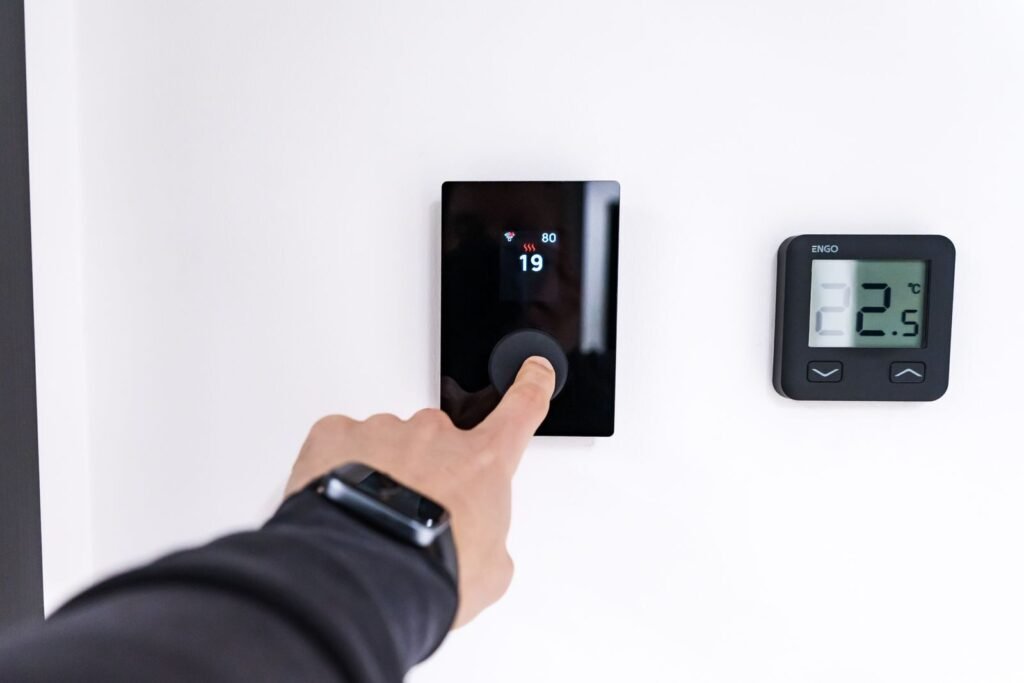
Most smart thermostat guides stop at the wall plate — but the real work for a C-wire adapter for Nest thermostat installations happens at your HVAC control board.
The control board is the brain of your heating and cooling system, and it’s where the adapter actually taps into a stable 24V power source. You’ll typically find it inside your furnace or air handler cabinet — that large metal box in your utility closet, basement, or attic. Open the access panel, and you’ll see a circuit board with a labeled terminal block running along one edge.
Terminal identification matters here. That terminal block uses standardized labels — R (power), W (heat), G (fan), Y (cooling), and C (common). The adapter bridges into these terminals, which is why precision counts. Swapping two wires at this stage is one of the most common installation mistakes — and it’s a problem the next section addresses in detail.
⚠️ Safety Warning: Before touching anything on the control board, shut off power to your HVAC system at the breaker. As CNET notes, thermostats that skip this step and rely on “power stealing” from heating or cooling circuits can cause furnace clicking and unpredictable system behavior — a live board compounds that risk significantly.
The Wire Adapter Mount — a small bracket included with most quality adapters — secures the device directly inside the furnace cabinet. This isn’t cosmetic. A loose adapter can shift against metal components, creating short-circuit risk. A properly mounted adapter keeps wiring organized, strain-free, and safely away from moving parts like the blower motor.
Troubleshooting: ‘I Bought the Adapter But It Still Won’t Work’
Buying a C-wire adapter solves the power problem — but only if it’s installed in the right place, with the right connections, verified the right way.
The single most common failure point is wiring the adapter at the thermostat wall plate instead of the furnace control board. As Honeywell Home (Resideo) confirms, the adapter module must connect directly to the HVAC system’s terminal block — not just behind the wall plate. This applies equally to Ecobee Power Extender Kit installation, where the in-line adapter gets wired at the air handler, not at the stat itself. If you skipped that trip to the furnace, that’s your answer.
Beyond location, three other problems surface repeatedly:
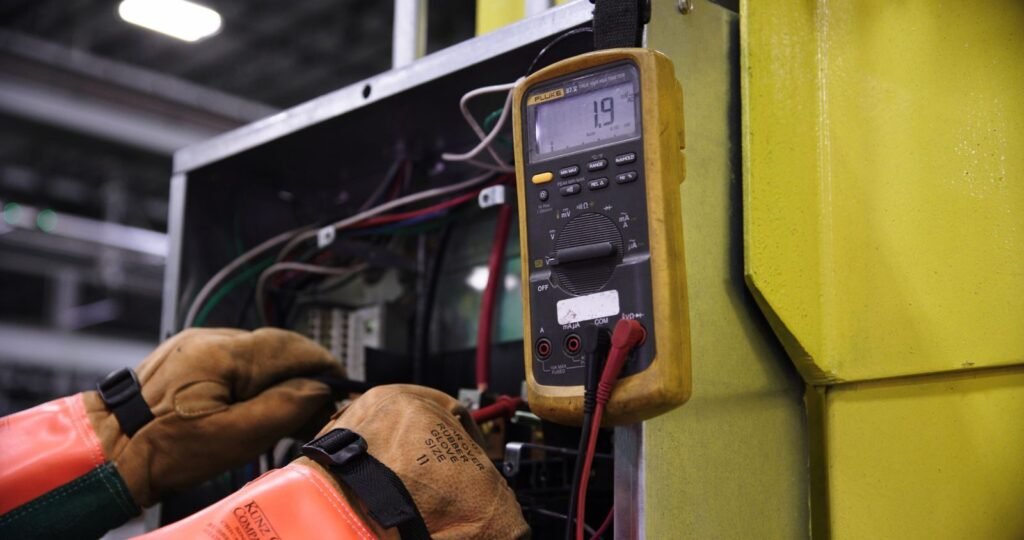
Blown control board fuse. A 3A or 5A automotive-style fuse sits on most HVAC control boards. Power stealing from older thermostats can blow it silently. Visually inspect it — or test continuity with a multimeter — before assuming the adapter is faulty.
Swapped G and Y wires. During the wire split at the furnace, the fan (G) and cooling (Y) terminals are easy to mix up. A swapped pair means your fan runs when it shouldn’t, or cooling never triggers. Double-check your photos from before the disconnect.
No 24V output confirmed. Set a multimeter to AC voltage and probe the C and R terminals at the control board. A healthy system reads 24–28V. Anything lower points to a transformer issue that no adapter can fix.
Once you’ve worked through these four checkpoints — location, fuse, wire order, voltage — most installs resolve cleanly. The next section pulls everything together into the key takeaways you’ll want before powering your system back on.
The Bottom Line: Key Takeaways for a Successful Install
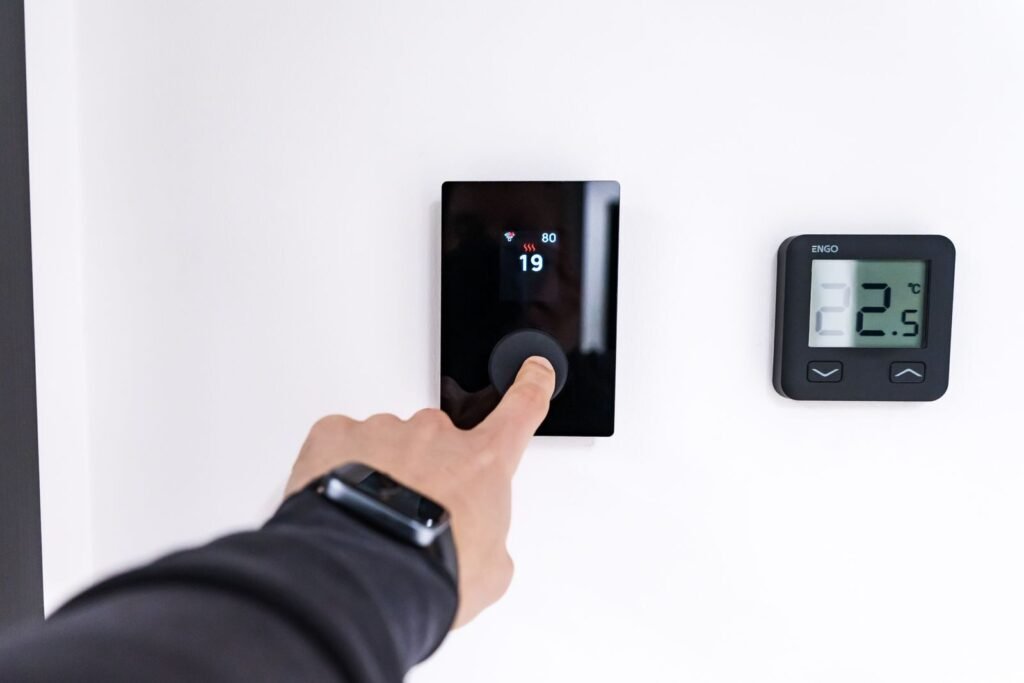
A C-wire adapter is one of the most practical upgrades for older homes — it solves a real electrical problem without tearing into walls or hiring an electrician.
Before selecting any Wire Adapter Mount for smart thermostats, it helps to consolidate what actually matters. Here are five takeaways worth bookmarking:
A C-wire adapter is a wall-free solution. It creates a dedicated common wire circuit by repurposing existing wiring at your furnace — no new wire runs required.
“Power stealing” is a genuine risk. When a smart thermostat draws current without a C-wire, it can degrade HVAC control boards over time, leading to expensive repairs.
Installation point matters more than most guides admit. The adapter must be connected at the furnace control board — not just at the thermostat wall plate — to function correctly.
Compatibility is model-specific. Nest, Ecobee, and Amazon smart thermostats each have particular or universal adapter options worth verifying before purchasing.
Safety is non-negotiable. Always shut off the breaker to your HVAC system before touching any wiring.
The right adapter, installed in the right place, is what separates a stable smart thermostat setup from one that reboots constantly or silently damages your equipment.
With these fundamentals clear, the remaining question becomes a practical one: which specific hardware fits your home and your thermostat model — and that’s exactly where the next section picks up.
Choosing the Right Hardware for Your Home
A C-wire adapter remains the smartest, least invasive fix for older homes that weren’t wired with smart thermostats in mind. Understanding what a thermostat C-wire adapter does — delivering steady 24V power without rewiring your furnace or pulling new cable through walls — is the foundation of every successful smart thermostat install. Once that clicks, the upgrade stops feeling intimidating and starts feeling straightforward.
Compatibility is the final checkpoint before you buy. Most major thermostat brands publish compatibility tools on their websites, and spending five minutes there can save hours of troubleshooting. Cross-reference your furnace’s existing wire labels with your thermostat’s terminal requirements, and confirm the adapter you’re considering supports your specific model. In practice, the vast majority of 24V systems work without issue — but that quick verification is worth doing.
The DIY path is genuinely accessible here. With a flathead screwdriver, a phone camera to photograph your existing wiring, and a compatible adapter, most homeowners complete the install in under an hour. The troubleshooting framework covered earlier in this article handles the edge cases.
If you’re ready to go further — optimizing schedules, integrating sensors, or expanding into a full smart home setup — Hyvoxa’s guides on HVAC automation and smart home optimization are built to walk you through every next step.
Expert Verdict: Why This Upgrade is Worth the 30 Minutes
In my years of working with smart home technology, the C-wire adapter is consistently the most undervalued piece of hardware in the kit. I’ve seen countless DIYers give up and return their thermostats, assuming their home was “too old” for the upgrade. But once you’ve seen that steady 24V reading on a multimeter after a 30-minute install at the furnace, you realize how accessible modern climate control really is. It’s not just about the convenience of an app; it’s about protecting your HVAC system’s long-term health by providing the stable power it was never originally designed to deliver.
My final piece of expert advice: don’t rush the terminal wiring at the control board. Use your phone to take a clear “before” photo, and if your kit includes a wire adapter mount, use it. A secure, labeled installation is the difference between a smart home that “just works” and one that requires a $500 emergency HVAC call-out. You’ve got the tools and the knowledge now—go ahead and flip that breaker back on with confidence.