
Beyond the Button: The Three Pillars of Ring Technology
Understanding how Ring doorbells work reveals a sophisticated system beyond a simple wireless doorbell. These devices function as Wi-Fi-connected camera and intercom systems, acting as a full-time digital gatekeeper for the modern home.
At its core, understanding how a Ring Video Doorbell works involves three distinct pillars that operate in sequence:
Detection — Motion sensors and button presses trigger the device into action.
Notification — Real-time alerts are pushed instantly to the Ring app on your phone.
Storage — Video footage is captured, processed, and saved for later review.
What makes Ring more than a camera is the cloud. As Ring.com confirms, Ring devices combine camera optics with cloud-based processing to deliver real-time video streaming and Live View features. The intelligence isn’t just in the hardware sitting on your doorstep.
The Ring app serves as the central control panel for everything. From adjusting motion sensitivity to reviewing recorded clips or speaking with a visitor through two-way audio, nothing happens without it. For anyone researching how Ring doorbells work, app dependency is a critical part of the answer — the device and software are inseparable.
Each of those three pillars involves its own layer of technology, and the first place to start is at the very moment the system wakes up: detection. That process relies on some genuinely fascinating physics.
The Physics of Detection: How PIR Sensors See the World
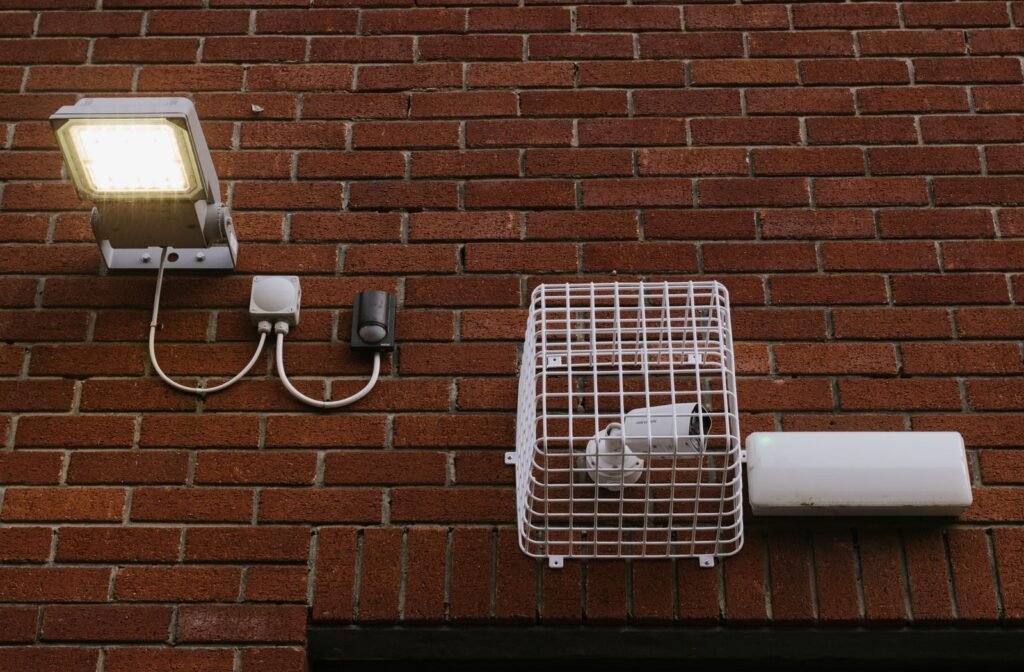
Ring doorbells don’t actually “see” motion the way a human eye does — they sense heat, and that distinction changes everything about how the technology performs.
Passive Infrared (PIR) sensors work by detecting changes in infrared radiation emitted by warm bodies — people, animals, and vehicles all radiate heat signatures that differ from their surroundings. Rather than analyzing pixel-by-pixel video changes, PIR sensors identify shifts in heat signatures to filter out irrelevant movement like swaying tree branches or passing shadows. This approach significantly reduces false alerts, which matters when you’re relying on notifications throughout the day.
Understanding how Ring video doorbells work means understanding the Fresnel lens — the dome-shaped component sitting in front of the PIR sensor. Its diamond-like facets divide the sensor’s field of view into distinct zones. As a warm body crosses from one zone to the next, the sensor registers a heat spike. This zoning system is why motion moving across the camera’s field triggers detection far more reliably than someone walking directly toward it — a person approaching head-on moves through fewer zone boundaries, generating a weaker signal transition.
📍 Stat to know: Ring doorbells typically detect motion within a horizontal range of 5 to 30 feet, covering a 90 to 120-degree arc, according to Toggle Academy.
In practice, this arc captures most standard front-porch activity effectively. However, the vertical detection range is narrower by design — the sensor is optimized for ground-level movement rather than overhead activity. Knowing these boundaries helps set realistic expectations before you ever adjust a sensitivity setting.
All of this detection capability depends on one critical variable: consistent power. That’s where the choice between battery and hardwired installation becomes far more consequential than most buyers anticipate.
Powering the Chime: Battery vs. Hardwired Mechanics

Power delivery is a key factor in understanding how a Ring doorbell works — shaping everything from installation ease to long-term reliability.
Battery-powered models win on convenience; hardwired models win on consistency. Battery units require no existing wiring, making them ideal for renters or older homes. Hardwired versions tap into your existing doorbell wiring (typically 8–24V AC) and use a trickle-charge mechanism to keep the internal battery topped up continuously — meaning the device stays live without ever needing a manual recharge.
Battery longevity under “standard usage” — roughly 3–5 motion events per day with occasional Live View checks — lands between 6 and 12 months per charge. However, real-world conditions frequently compress that window. According to HelloOval, high-traffic areas can slash battery life down to just 1–3 months.
Several factors accelerate that drain:
High motion volume — every detection event triggers recording and Wi-Fi transmission.
Extreme cold — lithium batteries lose charge capacity significantly below freezing.
Frequent Live View sessions — streaming video is the single largest power draw.
Weak Wi-Fi signal — the device works harder to maintain its connection.
Understanding these drain factors matters beyond just convenience — a depleted battery means gaps in coverage, missed alerts, and a front door that’s temporarily blind. That visibility gap connects directly to another layer of the system: what happens to the footage once it’s captured, and whether it’s saved at all.
The Cloud Connection: Why Subscriptions Matter
Understanding how Ring cameras work at a deeper level involves confronting one of the most debated topics in smart home communities: the subscription model. A Ring doorbell functions without a paid plan — but your ability to review what it captured does not.
The core device handles live alerts, real-time video through the app’s Live View feature, and the doorbell chime itself entirely for free. Where the paywall appears is video storage. Without a Ring Protect plan, motion-triggered clips are never saved to the cloud — they play out in real time and disappear. As confirmed by Ring’s own community documentation, users without a subscription can receive alerts and access Live View, but cannot review, save, or share any recorded footage.
This nuance matters when evaluating the “useless without a subscription” sentiment that surfaces regularly in user forums. That framing overstates the limitation. A subscription-free Ring doorbell still notifies you the moment someone approaches, lets you speak with visitors remotely via two-way audio, and rings like any traditional doorbell. What it cannot do is serve as a forensic record — there’s no footage to pull if a package goes missing or an incident occurs overnight.
“I didn’t realize until after install that I’d need a plan to actually watch anything after the fact. Live alerts are great, but without recordings, it’s basically a fancy intercom.” — community feedback via Reddit
For many households, the free tier covers everyday needs — particularly if the goal is real-time awareness rather than archival security. That said, the practical value of a connected, intelligent device scales significantly once recorded history is available. That question of how you use your footage — and where you point the camera to capture it — leads directly into an equally important consideration: responsible placement and privacy.
Ethical Surveillance: Privacy and Placement
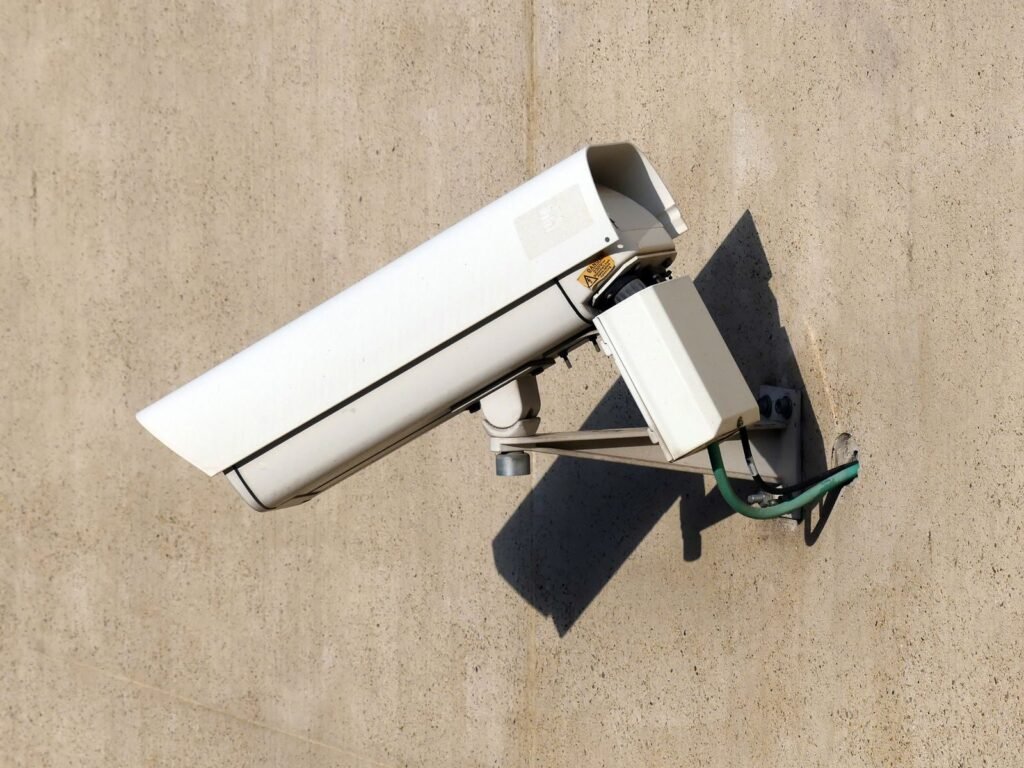
Owning a smart doorbell comes with real responsibilities — where you point the camera matters as much as how it works.
With ring motion detection explained across earlier sections, it’s clear these devices are genuinely powerful. That power demands thoughtful placement. The Ring app includes a built-in Privacy Zones feature that lets you black out specific regions of the camera’s field of view — a neighbor’s window, a shared driveway, or a sidewalk stretch that captures too much foot traffic. Using this tool isn’t optional etiquette; in many jurisdictions, recording individuals on private property without consent creates genuine legal exposure.
The legal and ethical lines aren’t always obvious. A public-facing front porch is generally fair game. A side-angle shot capturing a neighbor’s backyard or bedroom window is a different matter entirely — and courts are beginning to treat it that way.
As Geoffrey A. Fowler wrote in The Washington Post:
“The entryway is where someone presents themselves for inspection… Focus your camera on your own castle only.”
That principle is a useful guiding rule. Placement best practices worth following:
Aim the lens at your front door and immediate walkway only.
Enable Privacy Zones to mask any neighboring property visible in the frame.
Mount at a downward angle (roughly 7–8 feet high) to minimize wide street capture.
Tell neighbors a camera is present — transparency reduces friction and builds goodwill.
Understanding the technology’s capabilities — from motion sensitivity to field of view — puts you in a stronger position to use it responsibly. Those specifics, along with everything else worth knowing before committing to a Ring device, come together in the next section.
The Bottom Line: What You Need to Know
Ring doorbells combine straightforward hardware principles with cloud-dependent infrastructure — and understanding both sides helps you get the most out of your device.
PIR sensors power the detection. Ring doorbells use passive infrared sensors to pick up heat-based motion signatures up to 30 feet away. They’re not watching for shapes — they’re reading temperature shifts, which is why cold weather or a stationary person can occasionally slip past them.
Wi-Fi is non-negotiable. Every real-time notification, live view, and two-way audio exchange depends entirely on your home network. No connection means no alerts — full stop.
The subscription is a real cost to factor in. Ring doorbell subscription cost starts at around $4.99/month per device, and without it, your footage disappears the moment it’s recorded. As noted in this honest breakdown of hidden costs, many buyers are caught off guard by this requirement after purchase.
Battery life isn’t fixed. Cold winters and high-traffic entryways can drain a battery-powered unit far faster than the spec sheet suggests. Ring’s ecosystem relies on the synergy between local hardware sensors and cloud-based storage services — and battery health affects both sides of that equation.
Ethical placement is a legal and social responsibility. Limiting your camera’s field of view to your own property isn’t just considerate — in many states, capturing footage beyond your boundary raises genuine legal questions.
With these fundamentals in hand, the next step is making sure your setup actually performs on day one.
Setting Up for Success: Your Next Steps

Understanding how Ring doorbells work is only half the equation — what you do during setup determines whether your device performs at its peak or frustrates you from day one.
Power source is your first decision point. Wired installation delivers consistent voltage and eliminates the need to recharge, making it the stronger choice for high-traffic entryways. Battery-powered models offer flexibility, but that convenience comes with ongoing maintenance. Choosing the wrong option for your household’s needs is one of the most common setup mistakes people make.
Before you drill a single hole, test your Wi-Fi signal at the front door. A weak connection at the installation point leads to delayed notifications, dropped video feeds, and unreliable motion alerts — no matter how advanced the hardware is. A quick speed test or a walk-through with your router app takes minutes and can save hours of troubleshooting later.
Once installed, configure your motion zones immediately. According to Ring Support Documentation, proper zone configuration can extend battery life by up to 50% in high-traffic areas — a significant gain that most users leave on the table by sticking with default settings.
Building a smarter home security setup takes more than good hardware — it takes informed decisions at every step. For deeper guides on optimizing your Ring device, comparing installation options, and getting the most from your smart home ecosystem, Hyvoxa is your go-to resource. Explore our full library of security guides and take control of your home’s protection today.
Final Verdict: Lessons from a Long-Term User
Having lived through three different generations of this hardware—and more than a few dead batteries in the middle of a January freeze—my final verdict is that these devices are only as good as the infrastructure you provide them. In my experience, most “broken” Ring doorbells are actually victims of poor Wi-Fi placement or misunderstood motion settings. When you take the time to optimize your zones and ensure a stable power source, the tech fades into the background, providing that invisible layer of security we all want. It is a tool that requires a little bit of “neighborly” maintenance, but it is one I would not want to live without.
Ultimately, the “invisible tech” behind the chime is a trade-off: you are exchanging a small monthly ring doorbell subscription cost and some minor privacy considerations for a level of home awareness that was impossible a decade ago. If you are willing to treat it as a managed system rather than a “set it and forget it” appliance, you will find it is one of the most effective upgrades you can make for your home. Just remember to check your signal strength before you drill your holes—your future self will thank you for the extra five minutes of prep.