
Why Most Smart Home Installations Stall at the Network Level
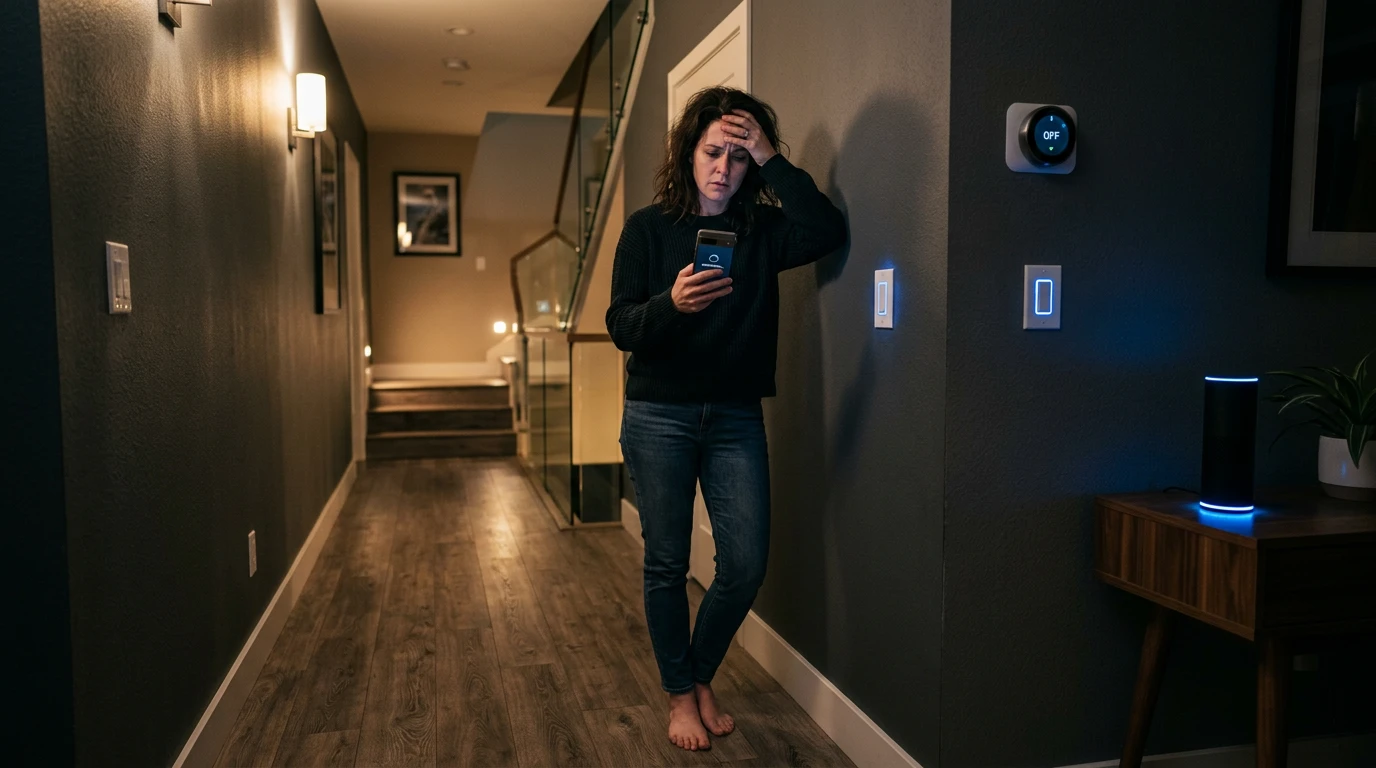
I’ve been in the middle of that “smart home” nightmare more times than I care to admit—standing in a dark hallway, frantically tapping a phone screen while a $50 smart bulb refuses to acknowledge my existence. It usually happens at the worst time: you’re heading to bed or rushing out the door, and suddenly the “Away” scene hangs, leaving your front door unlocked and your kitchen lights blazing. Most homeowners start by swearing at the hardware or the app, feeling the sting of a “high-tech” investment that feels more like a high-maintenance hobby.
In my years of designing and troubleshooting these systems, I’ve discovered a hard truth: your smart home isn’t failing because of a “bad” device. It’s failing because we’ve been sold the lie that “plug and play” works at scale. When you move past a handful of gadgets to a full-blown ecosystem, you aren’t just adding tech; you’re building a complex local network. If you don’t treat the installation like a small-business IT project rather than a toy unboxing, you’re destined for the “no response” spinning wheel of death.
Your smart home isn’t failing because of bad devices — it’s failing because of a bad foundation.
Device density can be a significant challenge of most smart home setups. The moment you push past 20 or 30 connected devices, standard retail routers begin dropping connections, lagging on commands, and creating the exact frustrations homeowners blame on their hardware. The issue often lies in a network that wasn’t designed to handle such a load.
Retail-grade Wi-Fi is engineered for casual use — streaming a show, browsing the web, video calls. It isn’t built to juggle dozens of simultaneous low-latency signals from thermostats, locks, cameras, lighting controllers, and sensors all competing for bandwidth. Many professional smart home installations utilize structured wiring and dedicated control processors to manage this kind of high device density that standard consumer Wi-Fi simply cannot support. This can lead to improved reliability.
This is why the industry has shifted toward a network-first installation strategy — designing and deploying the network infrastructure before a single smart device goes online. Making a home secure and smart at the same time means getting that foundation right. Skipping this step is the most common reason integrations stall, devices drop offline, and homeowners give up entirely. How much that proper foundation costs — whether you build it yourself or bring in a professional — is exactly where the real conversation begins.
The True Cost of Smart Home Control: DIY vs. Professional
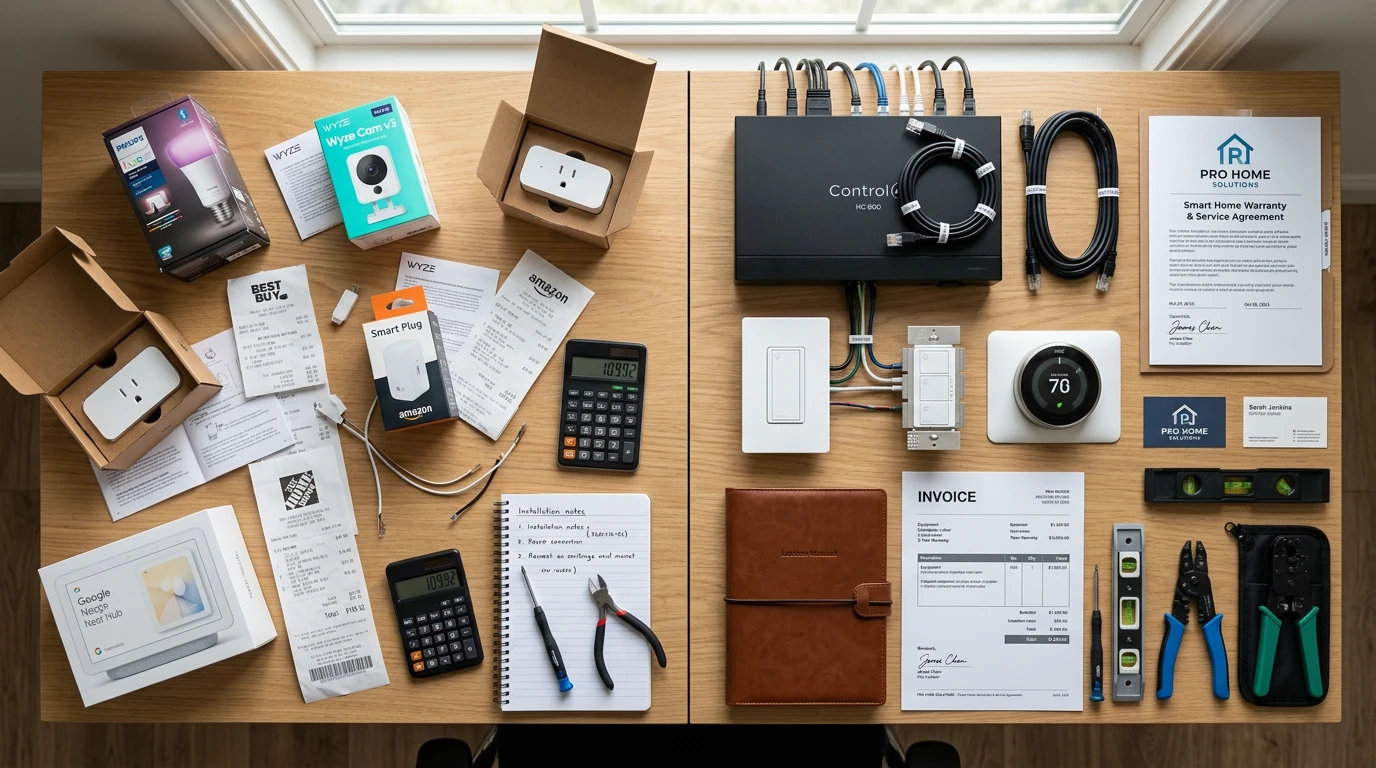
Getting smart home control right isn’t just a technical challenge — it’s a financial one that catches most homeowners off guard before a single device goes online.
The initial budget often doesn’t cover all expenses.
DIY entry costs look attractive on the surface. A basic security camera, a smart lock, and a hub starter kit can run anywhere from $150 to $400 in hardware alone. However, that figure doesn’t account for the subscriptions quietly stacking up behind it. Cloud storage plans, premium app tiers, and remote access fees typically add $10–$30 per month per platform — and most smart home setups run more than one.
| Setup Type | Avg Cost | Key Benefit |
|---|---|---|
| DIY Entry-Level | $150–$475 | Low upfront investment |
| Professional Standard | $475–$1,200+ | Expert configuration, warranty |
| Ongoing Monitoring | ~$40/month | 24/7 professional oversight |
According to RubyHome, the average U.S. homeowner spends $475 on security system installation, with monthly monitoring fees averaging $40. Comprehensive professional setups regularly reach $1,200 or more once sensor counts and integration complexity increase.
Professional labor costs feel steep until you factor in what failed DIY attempts actually cost — wasted hardware, incompatible hubs, and hours of troubleshooting. In practice, a properly configured professional installation reduces callback issues and subscription redundancy, which compounds into real savings over 12–24 months.
Understanding where your money actually goes is the first step — but knowing who should be doing the work is where things get more complicated, which is exactly where many homeowners hit a wall.
The DIY Complexity Trap: When to Call a Pro
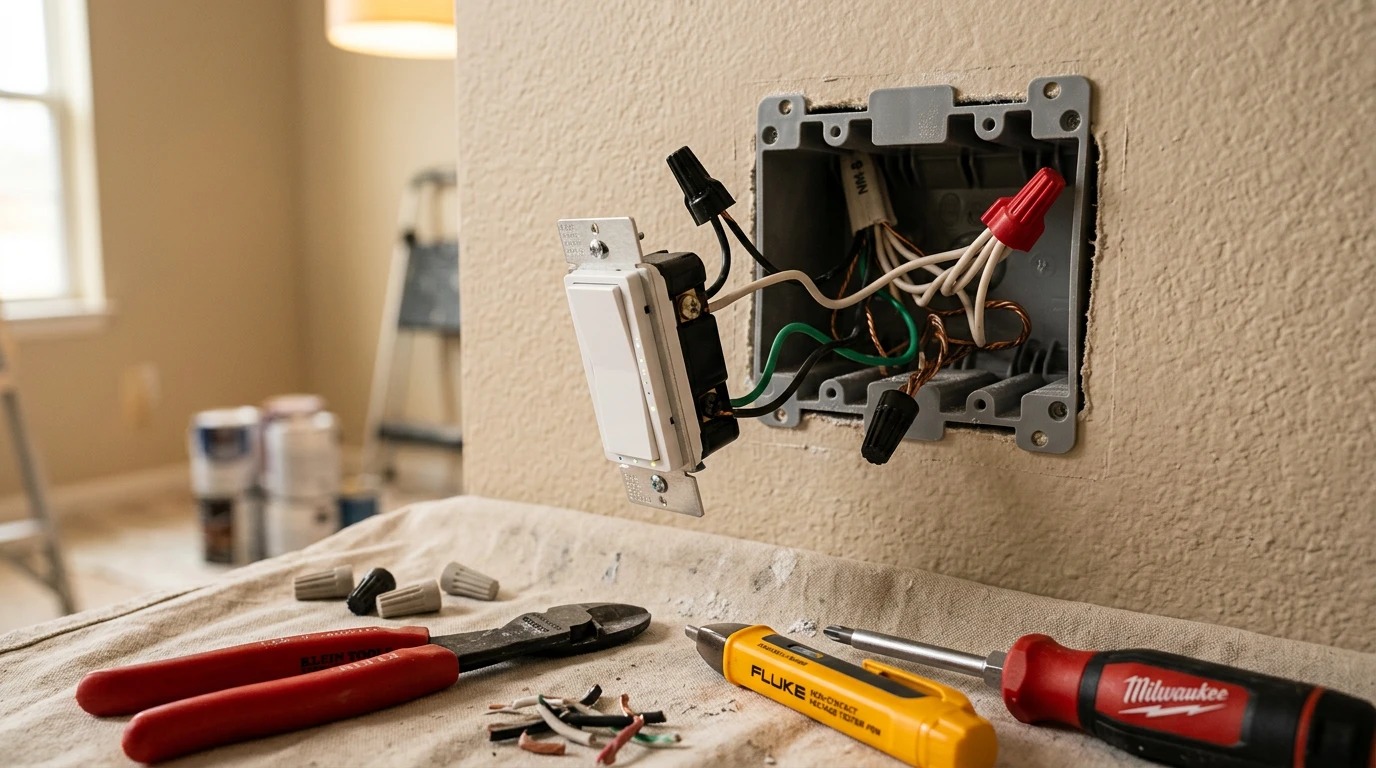
Confidence can be challenged by a complex smart home installation — and the gap between “this looks easy” and “why isn’t this working” closes faster than most homeowners expect.
The initial appeal is understandable. Unboxing a smart switch or a hub feels approachable. Packaging is minimal, setup apps are polished, and tutorial videos make the whole process look like a 20-minute Saturday project. But home control automation systems rarely behave like their marketing suggests once real-world variables enter the picture — mismatched protocols, aging wiring, and incompatible firmware quickly turn enthusiasm into frustration.
“Some products are too heavily promoted as DIY, then you see all the parts and it’s ‘Wait a minute, I don’t think I can do that.'” — Richard Wolpert, CEO of HelloTech
Wiring and hub integration are where most installations collapse. Replacing a standard switch with a smart dimmer, for instance, requires a neutral wire that many older homes simply don’t have. Hub integration compounds this further — getting Z-Wave, Zigbee, and Wi-Fi devices to communicate reliably through a single controller demands networking knowledge that goes well beyond what any quick-start guide covers.
What makes this particularly interesting is the demographic angle. According to SafeHome.org, DIY installation has overtaken professional services for the first time, with 49% of alarm system users now installing their own systems. Younger homeowners are driving this shift, motivated by cost savings and a genuine comfort with technology. That confidence isn’t misplaced — it just tends to underestimate the layered complexity hidden beneath a sleek app interface.
“DIY installation has overtaken professional services for the first time, with 49% of alarm system users now installing their own systems.” — SafeHome.org
A practical threshold is this: if a task involves load-bearing wiring, multi-device hub configuration, or cross-protocol automation rules, the cost of a professional visit is almost always lower than the cost of a failed install and the hours spent troubleshooting it. Knowing where your limit is isn’t a weakness — it’s the decision that determines whether your smart home actually gets finished. And once your devices are properly installed and integrated, a whole new challenge emerges: keeping that system secure.
Securing Your Smart Home: Beyond the Password
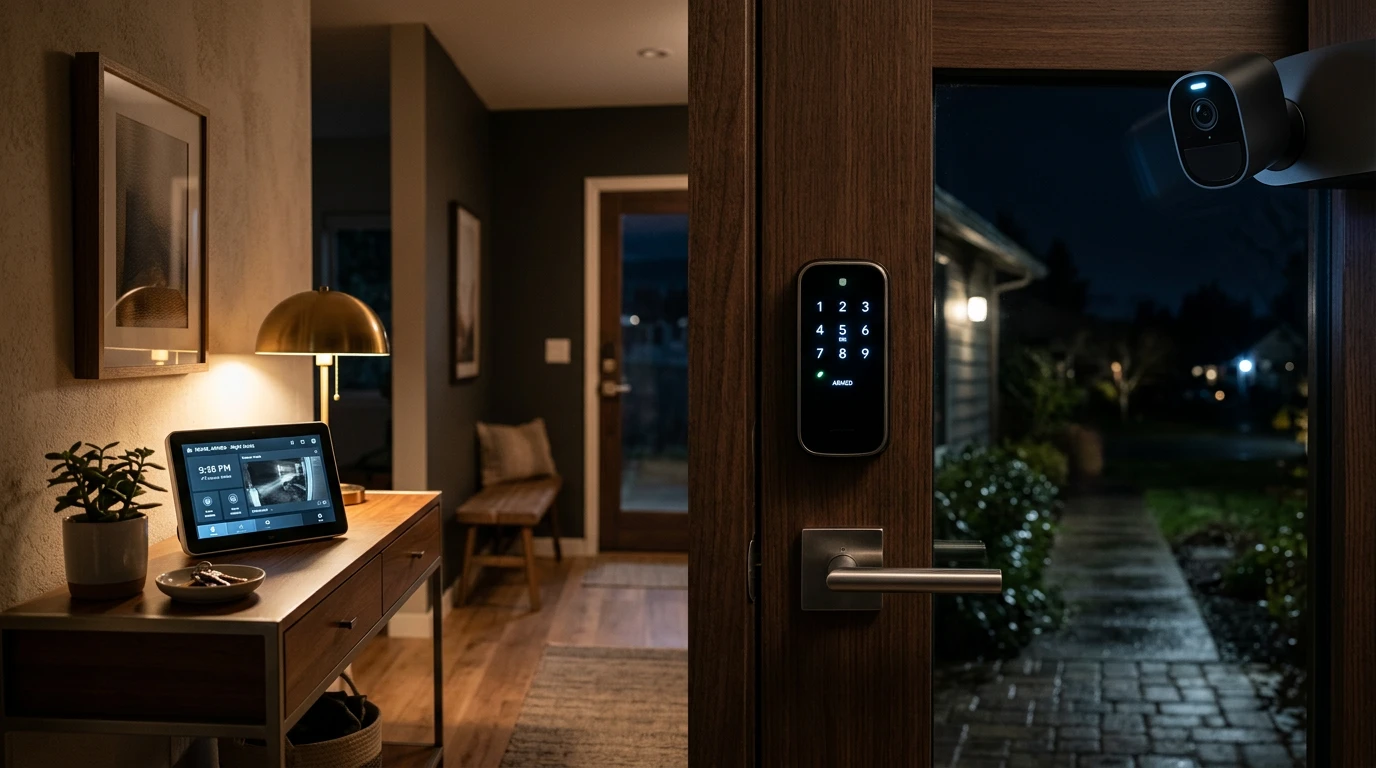
A smart home installation is only as strong as the security architecture holding it together — and most homeowners dramatically underestimate the attack surface they’re creating.
A common security mistake isn’t just a weak password — it’s building a system that depends entirely on the cloud.
Central hubs vs. cloud-connected apps. Individual devices that connect directly to manufacturer cloud servers multiply your exposure. Each app is a potential breach point, and if any one vendor suffers a data incident, your home is implicated. A central hub consolidates control locally, meaning your lights, locks, and thermostat aren’t broadcasting data outward unless you specifically authorize it. Professional integrators engineer a network infrastructure specifically for the home’s layout to ensure long-term reliability and prevent signal interference and unauthorized access.
Local control vs. cloud dependency. Local processing keeps your automation routines alive even when your internet goes down — and it keeps sensitive data off third-party servers. Devices that only function through a manufacturer’s cloud can stop working entirely if that company shuts down or changes its terms of service. Local control is the more resilient and intelligent choice for any serious setup.
Your security baseline checklist. Before considering your system complete, confirm these three layers are in place:
- Network segregation: Place smart devices on a dedicated VLAN, isolated from computers and phones containing sensitive data
- Firmware management: Enable automatic updates or schedule monthly checks — unpatched firmware is the leading entry point for exploitation
- Encryption standards: Verify every device uses WPA3 or at minimum WPA2, and disable any legacy protocols during setup
Getting these fundamentals right sets up everything that comes next — including how you scale the system without introducing new vulnerabilities as you add devices.
How to Set Up a Smart Home for Scalability
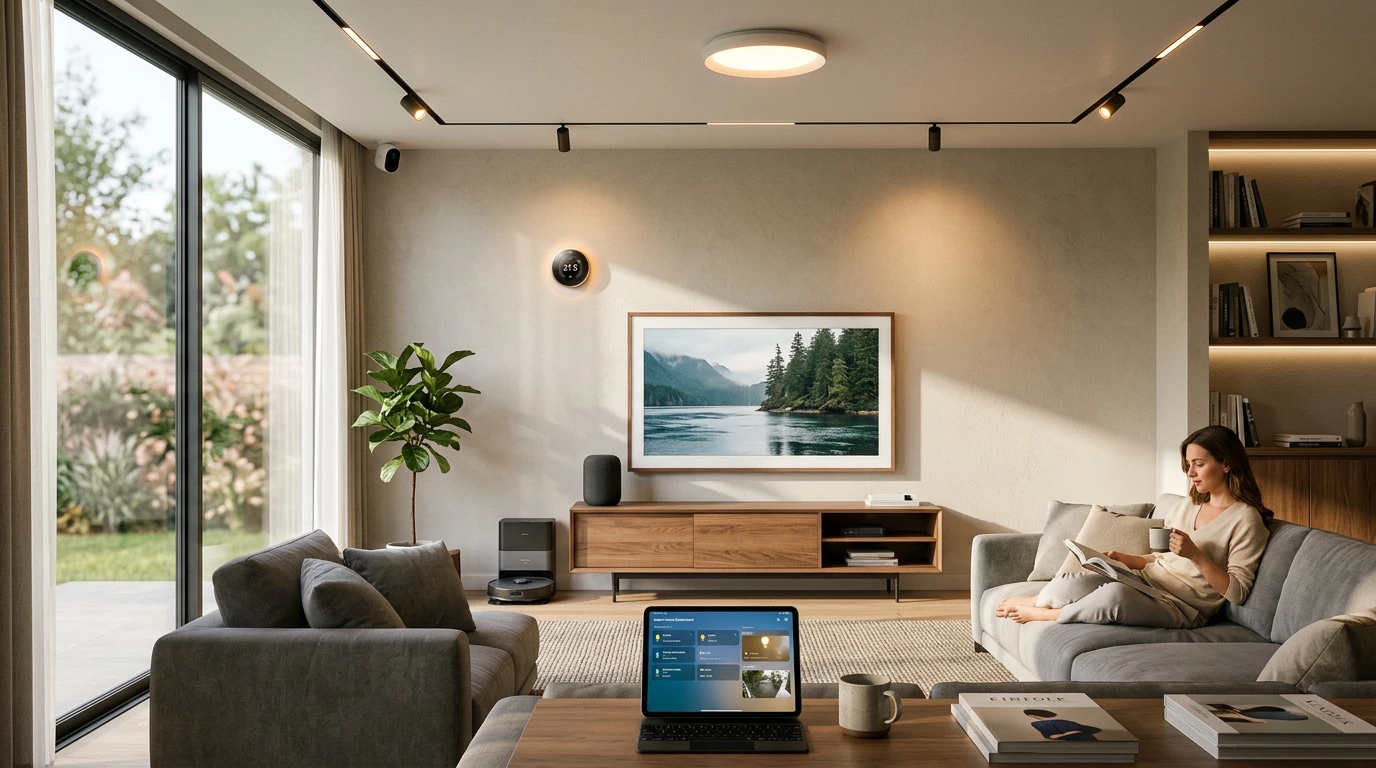
A successful smarthome installation isn’t built in a day — it’s built in phases, with each layer supporting the next. Rushing to connect every device at once is one of the most reliable ways to end up with a fragmented, unreliable system. As noted earlier in this article, complexity compounds quickly, and security gaps emerge when components aren’t thoughtfully integrated. A phased approach keeps both problems in check.
The foundation always comes before the features. Think of your smart home like a building: the structure has to be solid before you add the finishes.
- Phase 1 — Lighting and climate control. Start here because these systems have the highest daily impact and the most mature device ecosystems. Getting smart thermostats and lighting running smoothly teaches you how your hub behaves under real conditions before higher-stakes devices go live.
- Phase 2 — Security cameras and sensors. Once your core environment is stable, layer in cameras, door sensors, and motion detectors. These devices generate significant network traffic, so your baseline infrastructure needs to be proven first.
- Phase 3 — Protocol unification. Before adding anything else, assess your compatibility requirements and lock in a single protocol — Matter, Zigbee, or Z-Wave. Reolink’s guidance reinforces this directly: prioritizing a central hub ensures all selected devices work together rather than against each other.
- Phase 4 — Expansion and automation. Only now should you add entertainment systems, smart appliances, or advanced automations. By this point, you have a stable, secure, unified network that can absorb new devices without cascading failures.
Bold callout: Protocol fragmentation is the single fastest way to undo a well-planned installation. When you’re ready to step back and evaluate everything — network stability, DIY versus professional tradeoffs, and security architecture — the essentials become clear.
The Bottom Line: Smart Home Installation Essentials
Most smart home installations don’t fail because of bad devices — they fail because the foundational decisions were made in the wrong order.
Network stability is the single most critical factor in a smart home’s long-term performance — more important than any individual device’s feature set. A premium smart lock or thermostat is only as reliable as the signal it runs on. As covered in earlier sections, segmenting your network and prioritizing bandwidth before purchasing hardware is the move that separates a frustrating setup from a seamless one.
The DIY versus professional debate is more nuanced than most buyers expect. According to Parks Associates research cited by CE Pro, 35% of consumers choose self-installation because it “looks easy,” yet many significantly underestimate the technical troubleshooting involved. DIY works well for smaller setups, but for high-density homes running 30 or more devices, professional installation pays for itself in avoided headaches and reconfiguration costs.
Security, as established earlier, cannot be bolted on after the fact. It has to be designed into the system from the start — at the architecture level, not the device level.
Here are the four essentials every homeowner should take away:
- Network first, devices second — a stable, segmented network is the foundation every smart device depends on.
- DIY has real costs — the savings are genuine, but so is the time investment in troubleshooting and ongoing maintenance.
- Scale demands expertise — professional installation becomes the smarter choice once a home exceeds 30 connected devices.
- Security is architecture, not an add-on — encryption, VLANs, and access controls need to be built in, not layered on top.
Getting these fundamentals right creates a system that actually grows with you — which is exactly what the right platform should help you do.
Future-Proofing Your Home Control with Hyvoxa
A smart home installation only works long-term when every layer — network, devices, and automation logic — is built as a unified system, not a collection of disconnected purchases.
Every section of this article has pointed toward the same conclusion: the devices aren’t the problem. The foundational decisions are. Skipping the network audit, mixing incompatible ecosystems, and scaling without a plan are the real reasons most setups stall or fail entirely. Getting those basics right isn’t optional — it’s the entire game.
A network-first approach is highly recommended. Before adding another smart lock, thermostat, or lighting controller, audit what your current Wi-Fi infrastructure can actually support. Bandwidth, coverage dead zones, and VLAN segmentation all determine whether your next device becomes a reliable asset or another frustrating variable. Home control systems that perform consistently are almost always built on a network that was designed to handle the load, not adapted after the fact.
That’s exactly the gap Hyvoxa is built to close. Hyvoxa provides the infrastructure needed to manage complex home control automation systems without the typical DIY friction — giving homeowners a path that combines flexibility with professional-grade reliability.
Before you buy your next device, audit your network first. Then explore what a purpose-built platform can do to make every future addition work seamlessly from day one.
Final Thoughts: Building a Digital Sanctuary
Reflecting on the hundreds of installations I’ve overseen, the difference between a home that feels like the future and one that feels like a chore always comes down to respect for the invisible. We get distracted by the sleek touchscreens and the voice-activated blinds, but the real magic happens in the structured wiring and the VLAN configurations. I’ve seen $20,000 systems collapse because of a $50 router, and I’ve seen modest DIY setups outlast luxury builds simply because the owner took the time to map out their IP addresses and secure their local protocols.
Ultimately, a successful smart home should be invisible. It should work so reliably that you forget the technology is even there. Whether you choose to pull the neutral wires yourself or hire an integrator to handle the heavy lifting, remember that you are building a digital sanctuary. By prioritizing a “network-first” mindset and refusing to cut corners on security, you’re not just installing gadgets—you’re ensuring that your home remains a place of convenience, not a source of technical debt. It takes more patience upfront, but the first time your house “just works” while you’re miles away, you’ll know it was worth every second of planning.