
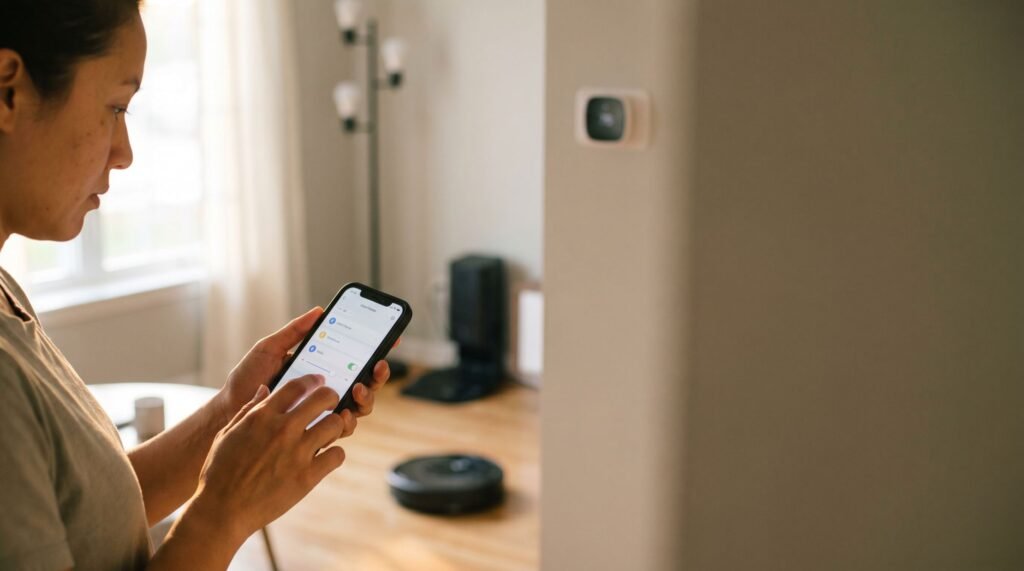
Why Your Smart Home Needs a SwitchBot Hub Mini
Beyond the IR Blaster: What the Hub Mini Actually Does I’ve spent years testing smart home gear, and nothing kills the “futuristic” vibe faster than having to dig through a sofa for a dusty IR remote. We’ve all been there: your “smart” home is really just a collection of apps that don’t talk to each other, and your most-used devices—like that reliable old AC unit or your favorite TV—are still stuck in the analog age, requiring a physical line of sight and a plastic wand to operate. Then there’s the Bluetooth trap. You buy a SwitchBot Curtain or Bot, only to realize it’s essentially a paperweight once you leave your driveway because it lacks a Wi-Fi bridge. In an era where Matter promises total interoperability, the humble SwitchBot Hub Mini might seem like a relic. However, in my experience, it’s actually the missing piece that keeps your legacy hardware relevant while fixing the “out-of-home” connectivity gap that many beginners overlook. As someone who’s spent countless hours managing a smart home, I know firsthand the frustration of dealing with remote clutter. It feels like every device has its own remote, and before long, you’re surrounded by a pile of them, never finding the one you need at the moment you need it. Enter the SwitchBot Hub Mini, a device that promises to alleviate this chaos by consolidating control into a single app on your smartphone. However, the journey to a streamlined smart home isn’t always straightforward, especially when dealing with Bluetooth-only devices that seem to have a mind of their own when it comes to connectivity. While Bluetooth technology offers convenience, its limitations become apparent when you try to control devices from different rooms or when you’re out of the house. It’s frustrating to have a smart device that’s not so smart when you step outside the Bluetooth range. This is where the Hub Mini shines by acting as a bridge, extending control beyond local boundaries and into the realm of true smart home automation. Let me guide you through how this little device can transform your experience and make remote clutter a thing of the past. Core Functions: The Hub Mini isn’t optional for serious SwitchBot users — it’s the upgrade that makes every other device smarter. That gateway role is what separates casual use from a fully functional smart home. And the scope of what it can control via infrared is worth a much closer look. The Massive Reach of the 4,000-Brand IR Library The SwitchBot Hub Mini’s infrared library isn’t a token feature — it’s one of the most compelling reasons to consider it as your central smart home controller. According to SwitchBot’s official product documentation, the Hub Mini supports over 4,000 brands and 8,000+ individual appliance models, which means the odds that your existing devices are already covered are remarkably high. The practical upshot: virtually any IR-controlled device in your home can become a “smart” device without replacing a single piece of hardware. For the devices that fall outside that extensive library, Smart Learning mode fills the gap. Point any existing remote at the Hub Mini, and it captures and stores the signal — no technical knowledge required. That one feature alone makes the compatibility argument nearly bulletproof. The most common use cases center on three device categories: Beyond convenience, consolidating all of these into a single app eliminates what most households quietly tolerate: a drawer full of orphaned remotes. Whether you’re exploring the Hub Mini as a standalone upgrade or evaluating it as a SwitchBot HomeKit hub solution, that IR reach is the foundation everything else builds on — including the voice assistant integrations covered in the next section. Device Type Benefit of Automation Air conditioner Auto-adjust temperature on a schedule or sensor trigger Television Integrate power and input control into broader room routines Ceiling fan / floor fan Link speed settings to occupancy or time-of-day rules Air purifier Trigger on/off based on air quality sensor readings Bridging the Gap for Google Home and HomeKit The SwitchBot Hub Mini is fundamentally a translator — it converts voice commands and app requests into the infrared and Bluetooth signals your devices already understand. For anyone exploring SwitchBot Hub Mini and Google Home integration, the setup is refreshingly straightforward. Once connected to your 2.4GHz Wi-Fi network — a critical requirement, since the Hub Mini does not support 5GHz bands — you can link SwitchBot to Google Home through the Google Home app. From there, commands like “Hey Google, turn off the TV” flow from Google’s servers, through the Hub Mini, and out as an IR signal to your television. Alexa works through the same principle via the SwitchBot skill in the Alexa app. The 2.4GHz connection matters more than most people realize. It’s the channel that keeps the Hub Mini reliably online, and according to TechHive, it also functions as a Bluetooth-to-Wi-Fi gateway — meaning SwitchBot devices that lack native Wi-Fi can still be controlled remotely through it. Without a stable 2.4GHz link, that remote access breaks down entirely. HomeKit users face a slightly different path. The Hub Mini doesn’t offer native HomeKit support, but a Siri Shortcuts workaround lets you automate commands through the SwitchBot app, which Siri can then trigger. It’s less seamless than a native integration, admittedly — but it does work for users who want basic voice control without switching ecosystems. That said, if deep HomeKit compatibility is a priority, it’s worth considering whether the Hub Mini’s current firmware still meets your needs — a question the next section addresses head-on. The Matter Update: Is the Mini Still Relevant? Matter hasn’t made the SwitchBot Hub Mini obsolete — it’s actually made choosing the right version more important than ever. SwitchBot has responded to the Matter wave by releasing a Matter-compatible variant, often referred to as the SwitchBot Hub Mini Plus (Matter-enabled), which bridges devices into the Apple Home ecosystem natively rather than relying on the workaround integrations discussed earlier. According to Reddit’s r/HomeKit community,
Why Your Smart Home Needs a SwitchBot Hub Mini Read Post »