
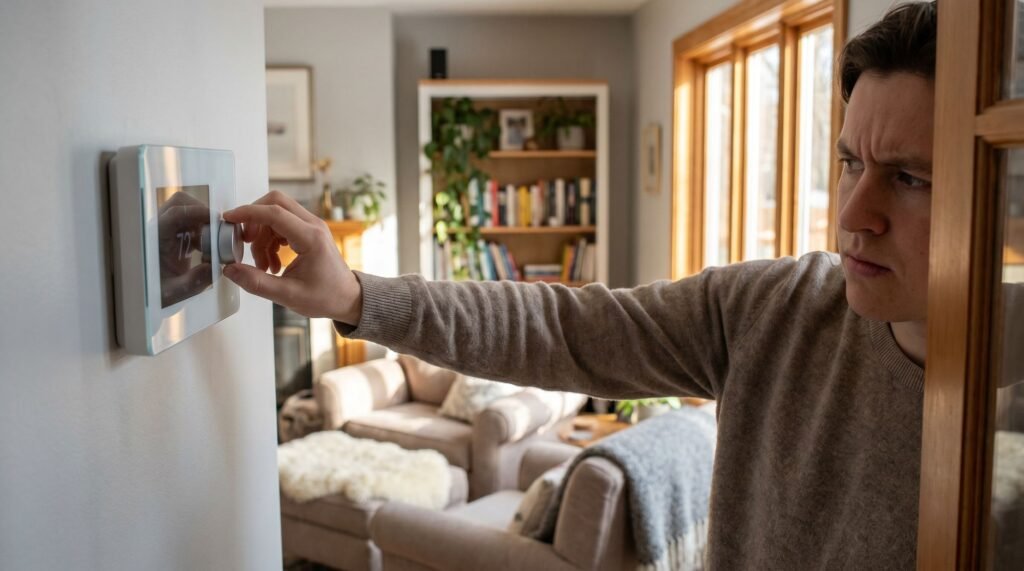
How to Reset a Honeywell Thermostat: Step-by-Step Guide
Why a Simple Reset is the Best First Step for HVAC Issues There is a specific type of dread that sets in when you walk into your living room at 10:00 PM, only to find your house is a humid 78 degrees despite the AC being set to 70. I’ve been there—standing in front of a blank, unresponsive screen, wondering if I’m about to drop $400 on an emergency HVAC service call for a "broken" compressor. In my years helping homeowners navigate these comfort crises, I've learned that most of these "disasters" aren't hardware failures at all. Often, your system isn't broken; it's just stuck in a software loop, leaving you frantically Googling how do I reset a Honeywell thermostat while your family waits for relief. That frustration is exactly why I wrote this guide. A simple restart is the ultimate "strategic reset"—a way to clear corrupted data and restore communication between your controller and your furnace or AC without needing a toolbox. Whether you're dealing with a modern T-Series or an older programmable model, learning how to reset a smart thermostat safely is your first line of defense against unnecessary repair bills. Let’s walk through the exact steps to get your climate control back on track, starting with why this should always be your first move before you pick up the phone. A thermostat reset is one of the most underused diagnostic tools in home maintenance. Skipping this step could lead to a service call costing between $70 and $250 for diagnosis alone, with total bills often reaching $500 for minor software-related issues. Before assuming your HVAC system has a serious hardware failure, it's worth understanding what's actually happening inside your thermostat. Most comfort issues — unresponsive displays, erratic temperature swings, or a system that won't turn on — stem from software glitches, corrupted scheduling data, or misconfigured settings. These are fundamentally different from a failed compressor or a broken heat exchanger, and they respond to a completely different fix. A reset clears the noise. According to Google Nest Support, approximately 90% of smart thermostat owners don't use the auto-schedule feature correctly, allowing the device to accumulate inefficient "learned behaviors" over months of use. That learned data can quietly drive up your energy bill long before you notice anything is wrong. Clearing it gives your system a clean behavioral baseline. Knowing how to reset a Honeywell thermostat models — or any smart thermostat — is the kind of foundational knowledge that separates reactive homeowners from proactive ones. Whether the issue is a stubborn software loop or simply a schedule that no longer reflects your routine, a reset is almost always the right first move. The critical question is which type of reset — and that distinction matters more than most people realize. Soft Restart vs. Factory Reset: Know the Risks Before You Push Not all resets are created equal — and choosing the wrong one when figuring out how to reset a Honeywell thermostat can turn a two-minute fix into a two-hour headache. A soft reset is simply a power cycle. It clears temporary glitches, restores normal communication between the thermostat and your HVAC system, and — critically — leaves your Wi-Fi credentials, scheduling preferences, and system wiring configurations completely intact. Think of it as closing and reopening a frozen app on your phone. Nothing is lost; the device just gets a clean slate to work from. A factory (hard) reset, by contrast, is a total wipe. According to Honeywell Home, a soft reset via the menu preserves personalized data, whereas a factory reset deletes all Wi-Fi credentials and HVAC system settings — including the wiring configuration you (or your HVAC technician) carefully programmed during installation. Rebuilding that configuration isn't always straightforward, especially on multi-stage systems with heat pumps or auxiliary heat stages. ⚠️ Warning: Performing a factory reset will erase your Wi-Fi network credentials and every HVAC setting stored on the device. If you don't have your wiring configuration documented — which terminals are connected and how — you may need a technician to reconfigure the unit before your system operates correctly again. The practical decision framework is straightforward: reach for a soft reset first whenever your thermostat is unresponsive, displaying an error code, or behaving erratically. Reserve the factory reset only for situations like selling your home, replacing the unit, or when a soft reset has already failed to resolve a persistent issue. With that distinction clear, you're ready to walk through the specific steps for doing both safely. How to Reset Your Honeywell Home Device Safely Knowing exactly how to reset your Honeywell thermostat — without losing your schedule or triggering the wrong menu — is the difference between a two-minute fix and an hour of frustration. The most reliable reset path for T-Series models follows a specific menu sequence that bypasses accidental factory wipes. For anyone asking "how do I reset a Honeywell thermostat" on a T4, T6, or similar T-Series unit, here's the safe navigation path: Press and hold the menu button for approximately 5 seconds until the advanced settings screen appears. Scroll to the "Installer Settings" option using the up/down arrows. Navigate to "Reset" within that submenu — this surfaces two distinct options. Select "Schedule Reset" to clear only your programmed times, or "Factory Reset" to restore all defaults. Choose based on your situation, not by default. Confirm the "Restore to Default" prompt by pressing the checkmark or "Yes" button. The screen will briefly go blank — that's normal. Blank screen scenario. If buttons produce no response before you even reach the menu, don't assume the device is dead. According to Carrier HVAC, a tripped circuit breaker frequently mimics a software failure — the display goes dark and nothing responds. Check your breaker panel first, reset any tripped switch, and wait 60 seconds. Before proceeding with a full reset, perform this safety checklist: Check Batteries: Replace batteries if applicable; low power causes erratic behavior. Verify C-Wire: Ensure the thermostat has consistent low-voltage
How to Reset a Honeywell Thermostat: Step-by-Step Guide Read Post »