
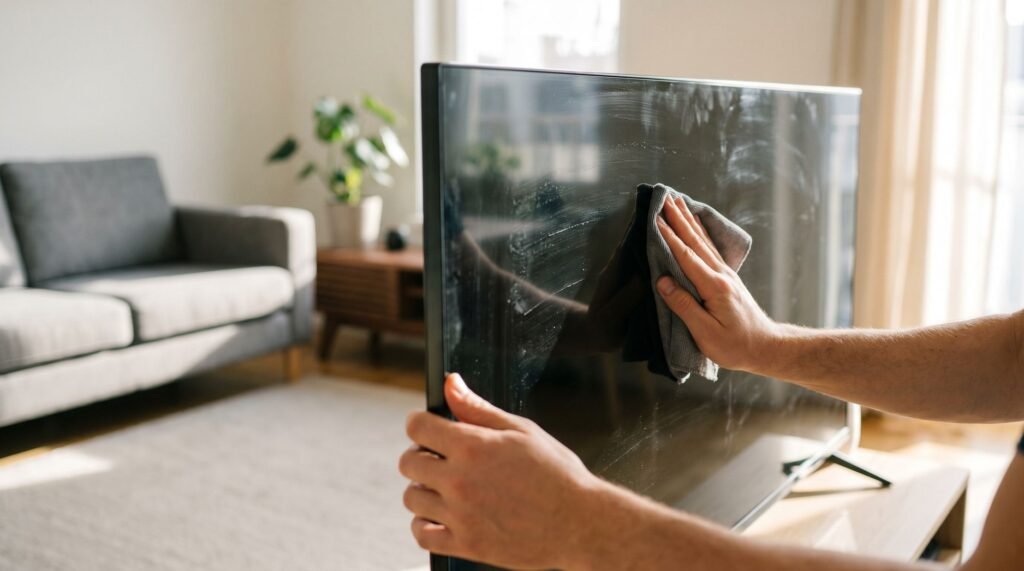
How to Clean a TV Screen Safely Without Streaks
Why Your Old Cleaning Habits Are Killing Your New TV We’ve all been there—you’re watching a high-stakes movie or a dark, moody scene, and suddenly all you can see is a greasy fingerprint or a stubborn dust speck right in the center of the screen. I remember the panic I felt the first time I tried to wipe a smudge off my $1,500 OLED with a "gentle" paper towel, only to realize I’d just created a cloudy, white streak that seemed permanent. It’s a gut-wrenching moment because these screens aren’t just electronics; they are significant investments, and one wrong move with a spray bottle can strip away the delicate anti-glare coatings that make the picture so vibrant. After years of testing various methods and consulting manufacturer guides for everything from how to clean Samsung TV screen surfaces to LG’s sensitive panels, I’ve learned that the "common sense" approach to cleaning is usually the most dangerous. This guide isn't just a list of tips—it’s the exact workflow I use for how to clean smart TV screen setups to keep them in pristine condition. You'll learn the science behind why those streaks happen and, more importantly, the professional-grade method to remove them without risking a single pixel. Cleaning a modern TV screen the same way you cleaned a bulky CRT set from the 1990s is one of the fastest ways to permanently destroy a panel that cost you hundreds — or thousands — of dollars. Old-school glass screens were forgiving. Today's panels are not. The thick, convex glass on legacy CRT televisions could tolerate paper towels, glass cleaner, and a firm hand. Modern LED, OLED, and QLED panels are engineered differently at a fundamental level. Instead of solid glass, today's screens are built from multiple ultra-thin film layers — each one serving a precise optical function. These layers are genuinely soft to the touch and chemically reactive in ways that standard household products simply weren't designed to respect. Central to this vulnerability are anti-glare and anti-reflective coatings — microscopic surface treatments applied to reduce eye strain and improve picture clarity in bright rooms. According to CNET, modern flat-screen TVs feature delicate anti-glare and anti-reflective coatings that are easily stripped by common household chemicals. Once those coatings are gone, no repair shop can restore them. That's the detail most people learn too late: coating damage is irreversible and almost universally excluded from manufacturer warranties. Knowing how to clean a smart TV screen correctly isn't optional maintenance — it's how you protect a significant investment from day one. Before reaching for any product, it's worth understanding exactly which chemicals make the damage worse. The Chemical Culprits: What to Never Use on a Samsung or LG Screen Common household cleaners are the leading cause of permanent TV screen damage — the wrong product doesn't just leave streaks, it destroys the anti-glare coating at a molecular level. If you've ever Googled how to clean Samsung TV screen and reached for the nearest spray bottle, stop. Samsung's own support documentation is explicit: no liquid should be sprayed directly onto the panel, and any chemical cleaner is a liability. LG echoes this, warning that "chemicals such as alcohol, thinners, or benzene should be strictly avoided, and as they may damage the protective film covering the panel." That film is not replaceable — once it's gone, the ghosting and glare are permanent. The banned substances list is longer than most people expect: Ammonia-based cleaners (Windex and similar): Ammonia dissolves the anti-reflective coating on OLED and QLED panels within repeated uses, causing irreversible hazing. Ethyl or isopropyl alcohol above 70%: Strips polarizing layers and accelerates pixel failure — improper fluids like these are a primary cause of moisture ingress at the bezel edge. Acetone and paint thinner: Immediate chemical burns to the outer coating; damage is visible after a single application. Paper towels and "white wipes": Wood-fiber construction creates micro-scratches invisible to the naked eye at first, but they scatter light and worsen over time. White residue after cleaning is a direct warning sign. It signals that a chemical has reacted with the panel's coating and left behind degraded material — not a cleaning success, but evidence of damage already done. At the bezel edges, any liquid that seeps inward causes moisture ingress, which according to research cited by CNET is a primary driver of pixel failure. The fix isn't another wipe — it's understanding what's actually safe to use, which starts with what's in the liquid itself. The Science of Distilled Water vs. Tap Water The liquid you use to clean your TV screen matters just as much as what you avoid — and tap water is quietly one of the worst offenders hiding in plain sight. Tap water contains dissolved calcium and magnesium minerals. These aren't harmful to drink, but on a delicate display panel they behave like microscopic abrasives. When the water evaporates — which happens quickly under the heat a TV generates — those minerals are left behind as a chalky white residue. What started as a cleaning attempt ends as a streaky mess that's harder to remove than the original smudge. This is the reason so many people clean their screen, step back, and wonder why it looks worse than before. As TV expert Caleb Denison explains, distilled water is superior to tap water precisely because the distillation process removes those minerals entirely. There's nothing left behind to crystallize on the panel surface. For anyone researching how to clean an OLED TV screen safely at home, distilled water is the only DIY-approved liquid base — full stop. The cloth matters just as much as the liquid. A high-quality microfiber cloth doesn't push oils and dust across the panel; it actually lifts and traps particles within its fibers. A cheap cloth or paper towel drags contaminants sideways, creating new scratches and redistributing oils rather than removing them. Pro Tip: Check your tap water hardness before assuming it's "clean enough." Hard water areas — much of
How to Clean a TV Screen Safely Without Streaks Read Post »