
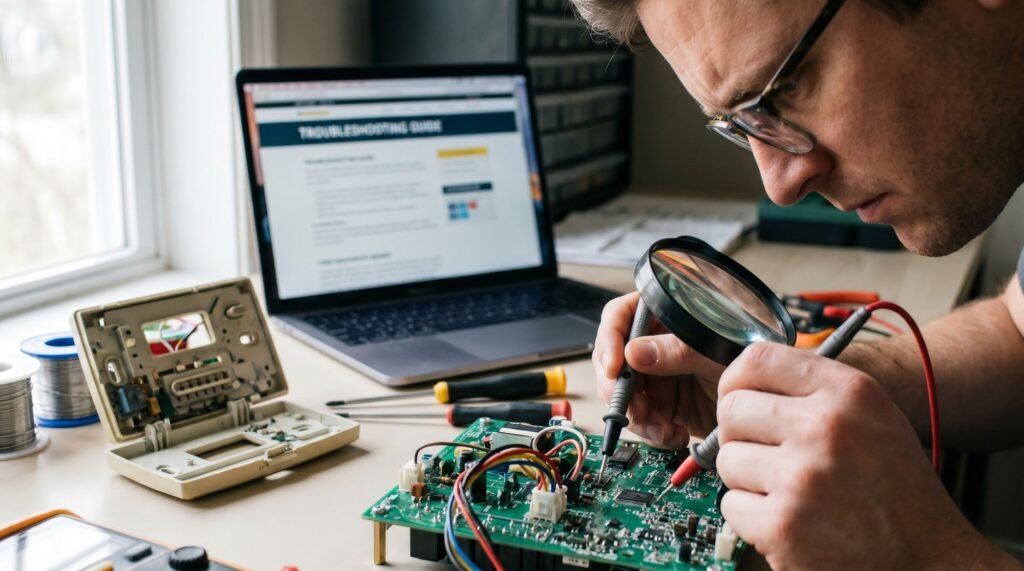
Honeywell Lyric Thermostat Troubleshooting and Performance Fixes
Why Your Lyric Thermostat Feels Out of Your Control There is a specific, modern kind of helplessness that sets in when you’re standing in a cold hallway at 11 PM, staring at a "Waiting for Network" icon on a device that’s supposed to be "smart." I’ve been there—juggling a smartphone in one hand and a flashlight in the other, trying to figure out why a $200 thermostat is acting like a paperweight. Having spent years auditing HVAC efficiency and troubleshooting smart home ecosystems, I’ve found that the Honeywell Lyric is actually a powerhouse of a device, but its biggest hurdles aren't hardware failures; they are the hidden "registration locks" and app migrations that the glossy packaging never warns you about. The real frustration usually starts the moment you try to take control. Whether you’ve just moved into a home with a pre-installed unit or you’re trying to recover a dropped Wi-Fi signal after a router update, the standard steps often lead to a dead end. In my experience, most homeowners burn hours on factory resets that do nothing to solve the cloud-level ownership issues that actually keep the device locked. This guide isn't just a summary of a PDF; it’s a deep dive into the "Force Release" protocols, C-wire voltage quirks, and Resideo app transitions I’ve used to wrestle control back from these units so you can stop fighting your tech and start seeing that 22% energy ROI. The Honeywell Lyric thermostat can deliver an average of 22% savings on heating energy—a figure backed by Resideo’s December 2024 analysis of over 6,000 U.S. users. To reach this average, users must maintain a setpoint spread of 8°F for heating and 7°F for cooling for at least 14 days per month., update, or connect properly in the first place. The single biggest source of frustration isn't a hardware failure — it's a registration and branding gap that catches homeowners completely off guard. App confusion is rampant. Many users are still hunting for the old Honeywell Home app, not realizing that smart device management has officially transitioned to the Resideo App. While the interface remains similar, Resideo confirms that users migrating to the newer 'First Alert' app must first delete their devices from the Resideo/Honeywell Home app to avoid registration conflicts. Note that this migration will require you to re-enroll in third-party integrations like Alexa or Google Home. That rebrand alone accounts for a wave of connectivity complaints that have nothing to do with the thermostat itself. The second major hurdle is ownership lock. When a Lyric unit is purchased secondhand — or inherited from a previous tenant — it often remains registered to the original owner's account. A standard factory reset clears local settings but does nothing at the cloud level. The thermostat stays locked, unresponsive to your app, and unable to run schedules or geofencing. If the previous owner is unreachable, you must contact Resideo Customer Care at 1-800-633-3991. Be prepared to provide the device ID and perform a power cycle while on the call to prove you have physical possession of the unit. In practice, troubleshooting steps found in the Honeywell Lyric thermostat manual PDF won't resolve this layer of the problem. What typically happens next is a cycle of resets, reinstalls, and dead ends. The good news is that there's a defined path forward — and it starts with understanding exactly how to reclaim ownership of a device that the system still considers someone else's. Gaining Control: How to Take Over an Existing Registration Inheriting a Lyric thermostat from a previous homeowner is one of the most frustrating ownership experiences — and a simple factory reset won't solve it. Cloud-level ownership locks the device to the previous user's account, making the thermostat functionally unusable until a formal transfer is completed. According to Honeywell Home support, taking over an existing device registration is actually a top support requirement for new homeowners inheriting Lyric systems — so you're far from alone in hitting this wall. The key identifiers you'll need are printed on the back of the thermostat faceplate: the MAC Address and the CRC code. These two values are how Resideo's support team verifies device ownership during a transfer request. Pro Tip: Remove the thermostat face from the wall base by gently pulling it forward. The MAC Address and CRC code are printed on a label on the back. Photograph both before reattaching — you'll need them when contacting support. Once you have those codes, contact Resideo support directly and request a Force Release of the previous registration. This is a manual process on their backend; no app setting or button sequence can trigger it yourself. While waiting for the release, it's also worth performing a Honeywell Lyric thermostat battery replacement if the device has been sitting idle — low power can interfere with the re-registration process once your account takes over. With ownership transferred at the cloud level, you'll be positioned to pair the device fresh — which leads directly into one of the most common setup hurdles: getting it back onto your Wi-Fi network reliably. Solving the 'Not Connecting to Wi-Fi' Crisis Wi-Fi disconnections on the Lyric thermostat almost always trace back to one of three root causes: frequency mismatch, a power problem hiding in plain sight, or a corrupted connection state that only a proper reset can clear. The 2.4GHz trap catches more Lyric owners than any other issue. The Lyric Round (RCH9310WF) only supports 2.4GHz networks — it cannot see a 5GHz band at all. Modern routers that broadcast a single blended network name ("MyHomeNetwork") may hand the thermostat a 5GHz signal automatically, causing a silent connection failure. If your router runs a dual-band network, split the bands into two separate SSIDs and connect the Lyric exclusively to the 2.4GHz channel. Low battery voltage is a subtler culprit. Even when the thermostat is wired, a weak C-wire delivering insufficient power forces the Lyric to shut down its Wi-Fi radio to conserve energy — the display
Honeywell Lyric Thermostat Troubleshooting and Performance Fixes Read Post »